Epic Landscape: Stormridge Highlands

Lord of the Rings, Star Wars, Dune, they are filled with places that make you start dreaming, longing for a world that does not exist.
They create this deep sense of adventure within and they inspire you to pick up pen and paper and start creating worlds. This “call to adventure” is what we were chasing when we built the Stormridge Highlands.





Even if your players are just narratively moving from A to B — dropping one of these sceneries, putting on some music, and describing what they see creates something your players will remember, a Lord of the Rings moment where the camera pulls back over the ridge and the world feels bigger than what's shown at the table.
ALL IN ALL:
-
15x Animated battlemaps + 15x animated scenes:
-
2x animated intro sequences (arrival via land/sea)
-
73x 3D-rendered player handouts
Let's go over a few of the maps and talk about what makes each of them a great fit for your adventures.
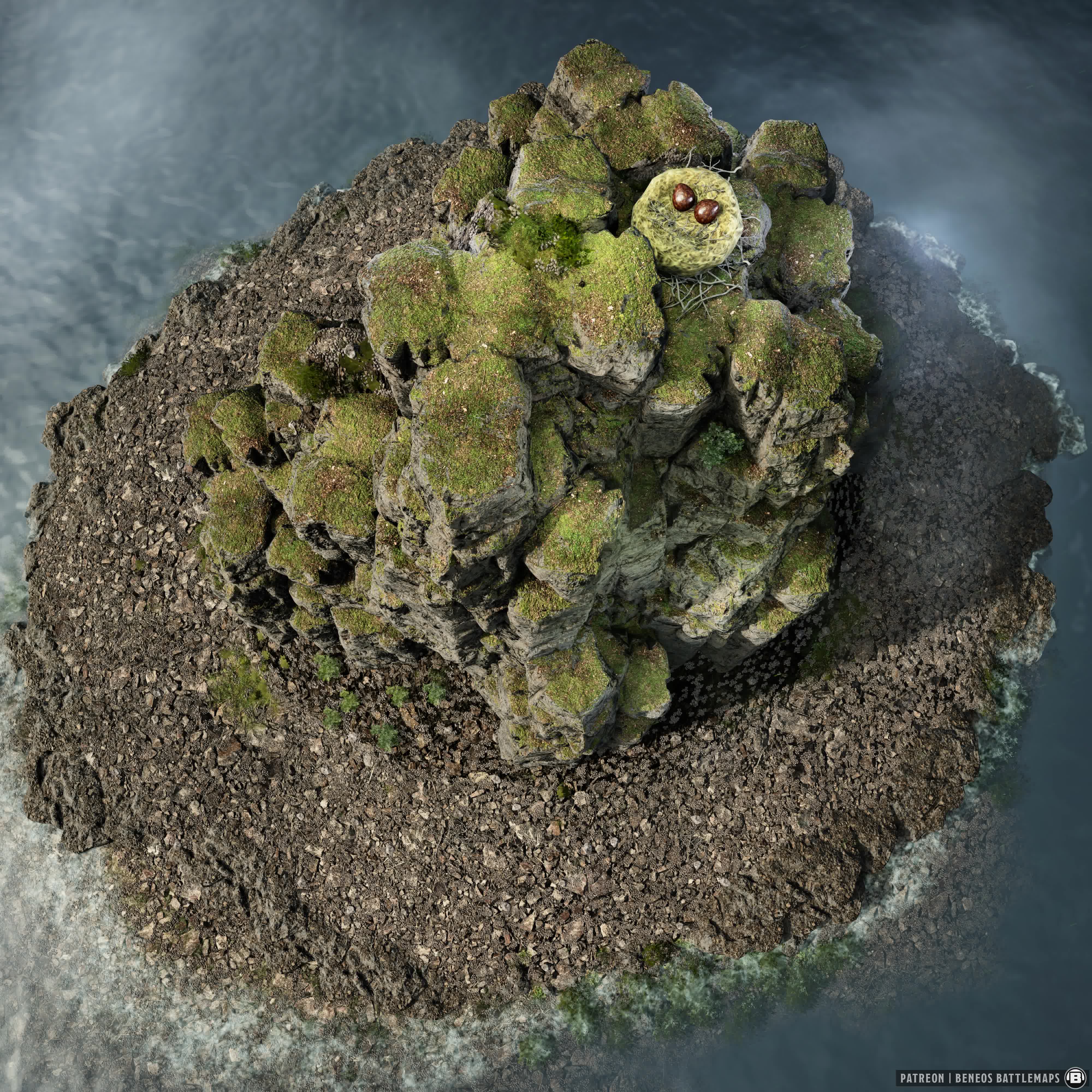
Map 4 is a rocky island rising out of the water, a massive nest at its peak. A rite of passage to enter a monastery. A monster hunt. A quest ingredient guarded by something that has no interest in negotiating.
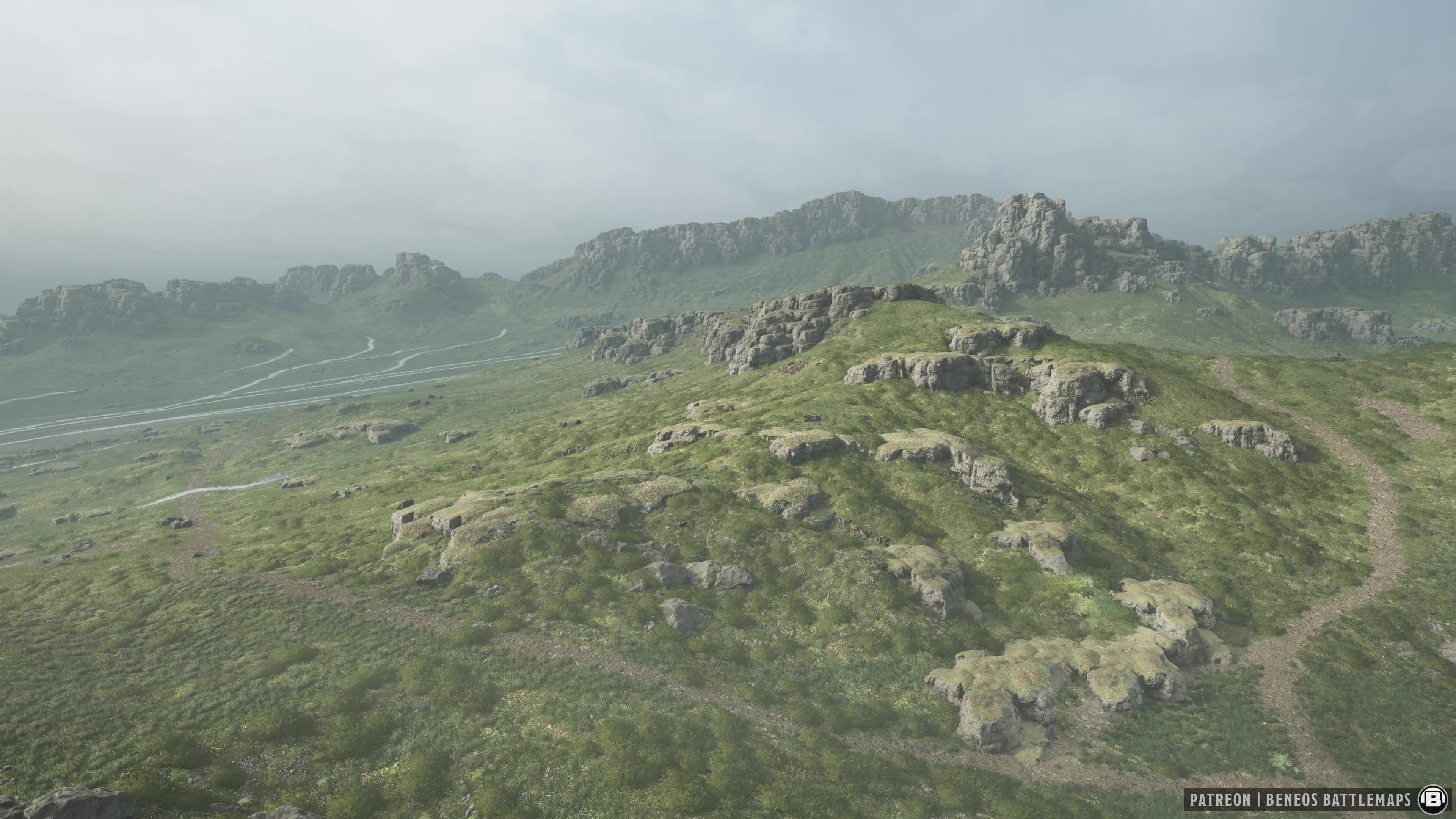
Map 6 contains crossroads that you can use as the simple backdrop for a quick conversation with a travelling merchant, or to an ambush site haunted by a Vampire Roadstalker.
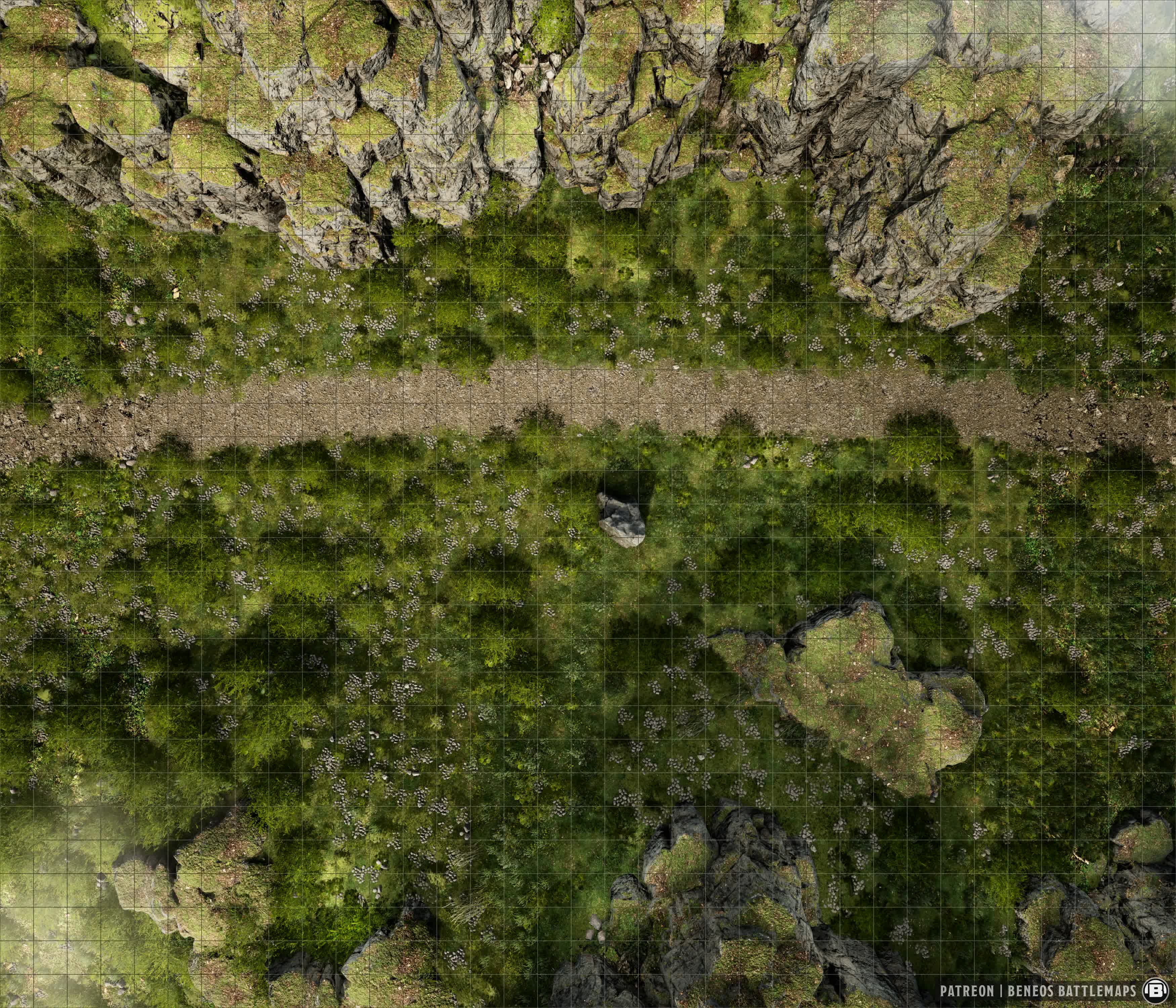
Same goes for Map 7, just a road running left to right, utterly generic by design, but sometimes that's exactly what you need. You could even pass it off as a city park, creating a green spot to add to our bustling city maps.
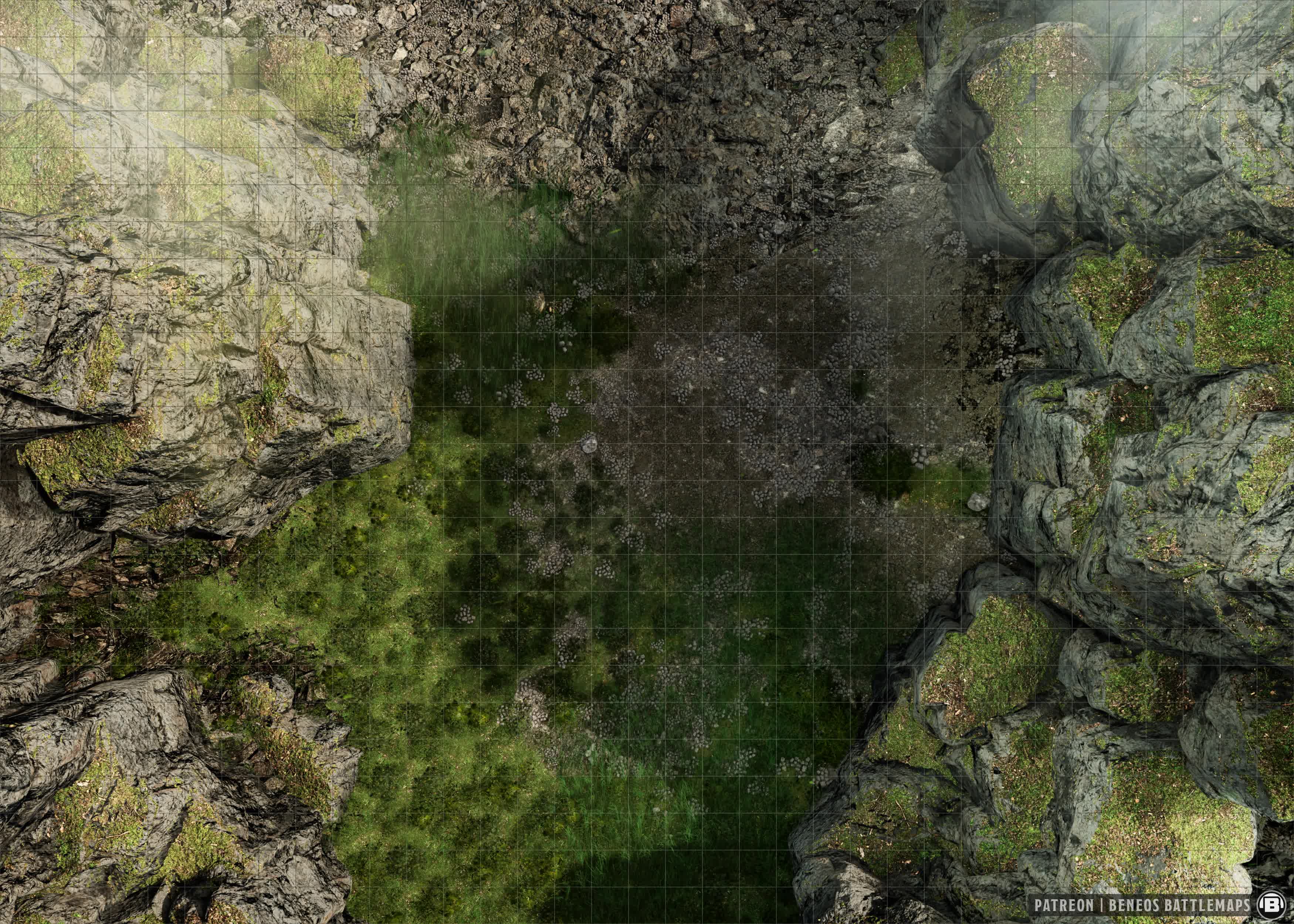
The gorge maps are great places for action sequences, due to their verticality, like defending against attacks from above, climbing sequences, or using the cragged terrain to make a stand against a chasing Stormwrath Wyvern-Rider.
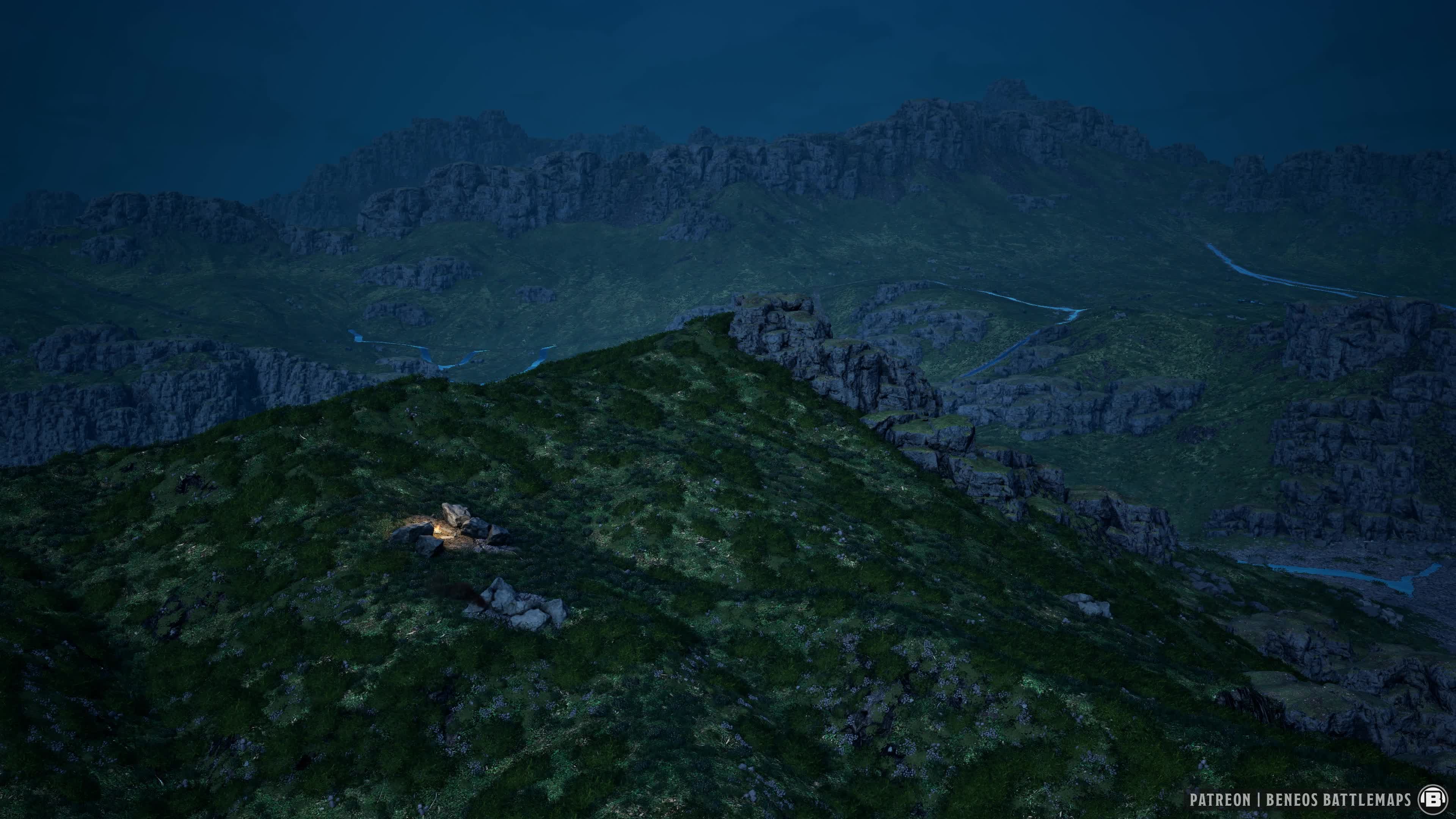
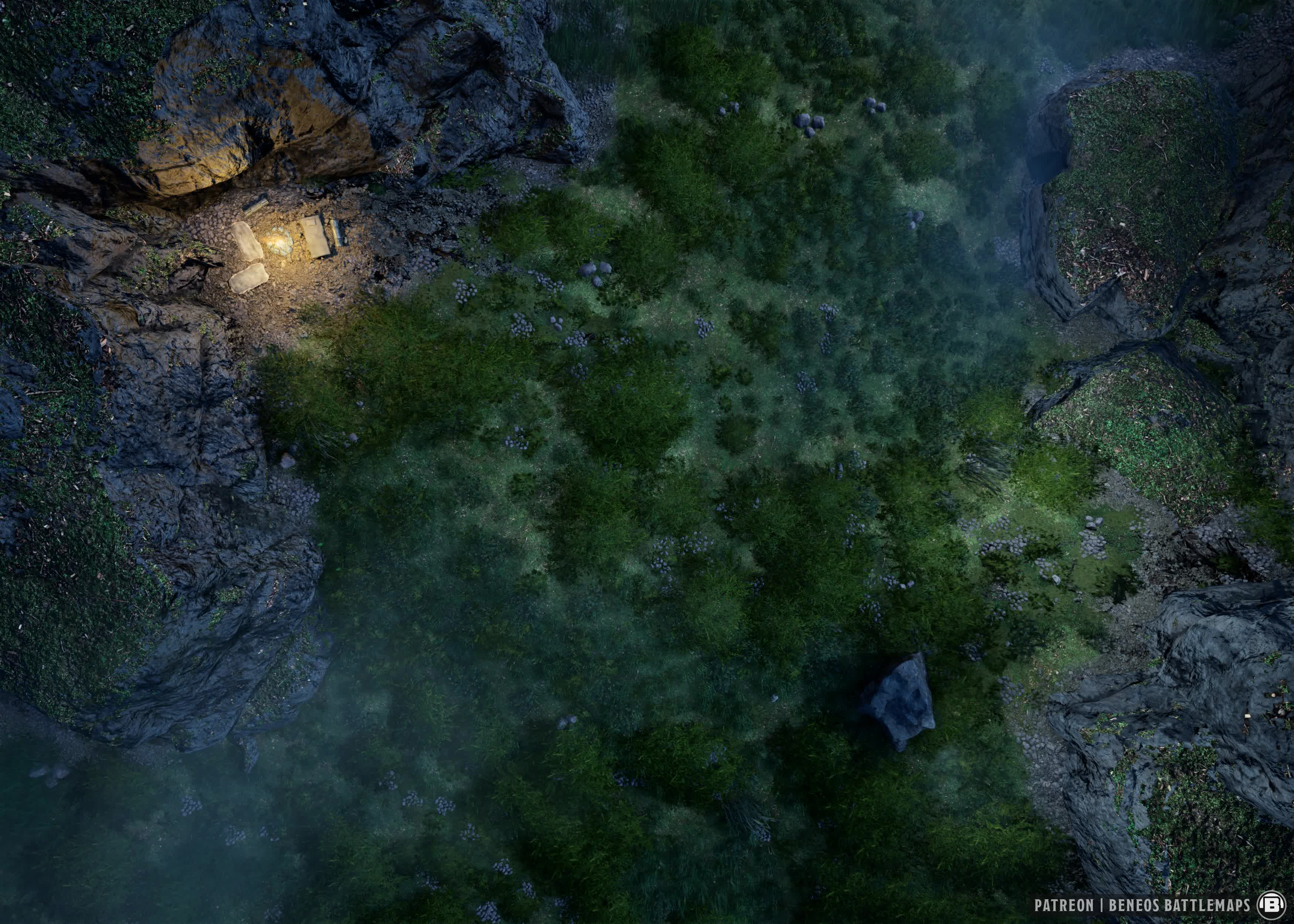
You can even use Maps 13 and 14 to turn in for the night, setting up camp and having a meaningful heart to heart roleplay conversation at the campfire and then getting ambushed because no one remembered to take watch.
Module Showcase: FX Master
We often use the word modular for our releases, driving home the point that our release arent intended to serve one specific purpose, we want to give you a toolbox to allow you to create anything you want.
FXMaster is a Foundry VTT module with three types of effects:
Particle Effects, things that move across the whole scene globally:
-
Weather: rain, snow, fog, clouds
-
Animals: bats, crows, ravens, spiders
-
Misc: embers, bubbles etc.
Filter Effects: post-processing applied to the entire scene image:
-
Color adjustments (desaturation, hue shifts, brightness)
-
Distortion (underwater wobble, lightning flash)
-
These are what make the Avernus red shift and Strahd desaturation possible with one click
Special Effects: one-shot animations you play at a specific location on the canvas (more like a spell effect trigger, less relevant for map atmosphere)
So using FX Master with tandem with our maps, you can transform any of them into something else entirely.

⚡ NEW: The Interactive Setup Tour
We've included a comprehensive Beneos tour in the Beneos module, which runs automatically once you've installed (or updated) the module and explains everything to both new and existing users (for both Patreons: Beneos Battlemaps and Beneos Creatures, Spells & Loot).
🚀 Quick Start (3 steps)
-
Install the required modules (listed below)
-
Launch your Foundry world
-
The Beneos Setup Tour starts automatically — follow along and you're set.